Progress Learning: Helping K-12 Students Succeed
In today’s classrooms, students learn at different speeds, and teachers need tools to ensure no one is left behind. Progress Learning is an online platform that helps students, teachers, and schools succeed. It provides standards-aligned practice, adaptive learning, engaging games, and real-time reports
In this guide, we’ll take a close look at what Progress Learning is, how it works, its key features, the Liftoff adaptive program, and the real benefits for students and teachers. By the end, you’ll understand why thousands of schools across the USA trust Progress Learning to help students succeed
What Is Progress Learning?
Progress Learning is a complete digital platform for K–12 schools. It combines:
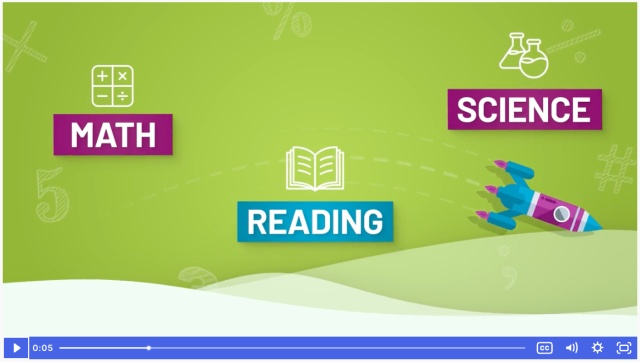
- Practice and review for math, reading, and science
- Test preparation for state exams, SAT, ACT, and AP
- Adaptive learning programs, like Liftoff
- Gamified lessons that make learning fun
- Data and reporting tools for teachers and administrators
It was created by merging two trusted educational programs:
- USATestprep – high school test prep experts
- Education Galaxy – interactive learning and games for elementary students
Now it covers all K–12 grades, aligns lessons to state standards, and provides teachers, students, and schools with actionable insights.
Progress Learning is research based and helps:
- Close skill gaps from prior grades
- Personalize learning for every student
- Motivate students through games and rewards
Track progress for teachers and administrators
Progress Learning 🌟
Fun Learning Adventure!
Math 🧮
Your Score: 84% 🎉
Reading 📚
Your Score: 72% 👍
Science 🔬
Your Score: 58% 💪
Play Awesome Games! 🎮
Boss Battles
Answer questions to defeat the boss!
Veggie Attack
Stop the veggies with your knowledge!
Galaxy Quest
Explore space and learn science!
Math Mayhem
Fast math challenges – go go go!
Liftoff Adventure 🚀
Fix gaps and fly through galaxies!
192 Stars
Alien Rank: Cadet
30 Blasters
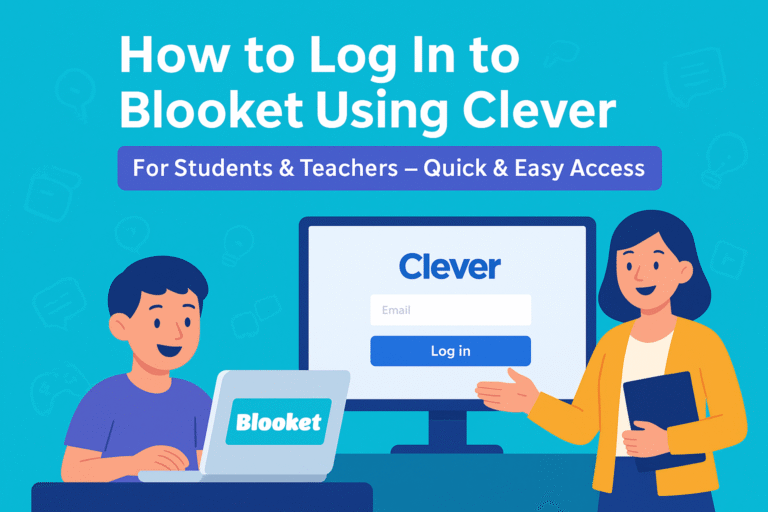
How to Log In to Progress Learning
Logging into Progress Learning is quick and easy, whether you're a student or a teacher. The platform supports standard logins as well as access through education portals like Clever, ClassLink, or Canvas. Here’s how to get started:
- Open your web browser and go to the Progress Learning website.
- Click the "Login" button at the top right corner of the homepage.
- Enter your Account ID, Username, and Password, then click Login.
- If your school uses Clever, ClassLink, or Canvas, you can log in through those portals.
- If you forgot your password, use the reset password option on the login screen.
Personalized Learning and Practice
Every student is different, and Progress Learning adapts to each learner:
- Custom learning paths: Students get assignments based on their current level.
- Immediate feedback: Correct answers reinforce learning; incorrect answers trigger tutorials or videos.
- Self-paced practice: Students can repeat lessons until mastery.
- Focus on mastery: Students don’t just finish tasks—they learn and retain skills.
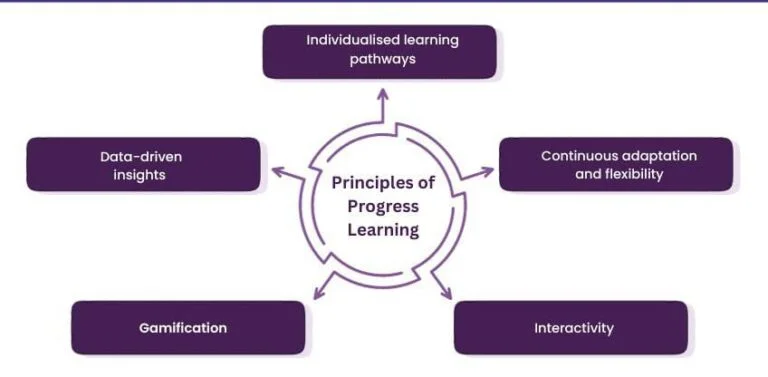
For example, if a 5th grader struggles with long division, the platform provides extra practice in simpler multiplication skills before returning to division problems.
Gamified Learning
Progress Learning makes learning fun and motivating:
- Students earn stars, badges, and rewards for completing lessons
- Space-themed adventures and avatars in Liftoff keep engagement high
- Games and challenges encourage healthy competition in classrooms
- Teachers can assign games as “practice” without it feeling like extra work
This approach is especially helpful for younger students who may lose focus with traditional worksheets.
Adaptive Intervention (Liftoff Program)
Liftoff is an adaptive learning program for students in grades 2–8, designed to help them catch up in math, reading, and science:
- Diagnoses gaps with built-in assessments or MAP Growth data
- Adapts in real-time: Students move forward when they master a skill and review prerequisites when needed
- Gamified experience: Students create avatars, launch rockets, and travel through galaxies
- Bilingual support: English/Spanish interface with text-to-speech options
This adaptive approach helps students fill gaps from previous years, which is especially important after disruptions like pandemic learning loss.
Progress Monitoring and Reporting
Teachers and administrators can track progress easily:
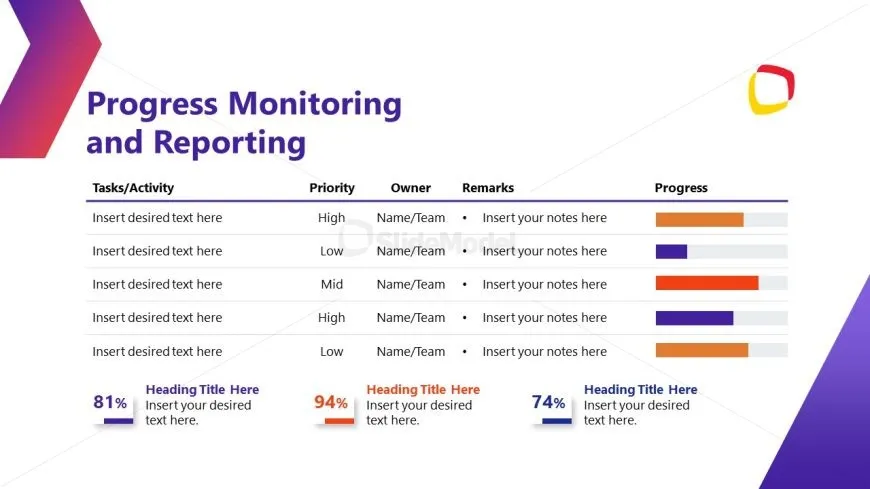
- Dashboards show mastery, growth, and engagement for individual students and classes
- Time-on-task tracking helps identify students who may need extra support
- Supports MTSS/RTI and IEP frameworks
- Data exports for parent conferences or district reporting
For example, a teacher can see which students struggled with fractions last week and assign extra practice the next day.
Remediation and Phonics Support
Progress Learning helps students who fall behind:
- Automatic remediation suggestions highlight what a student needs to review
- Step-by-step tutorials and videos explain concepts in simple language
- Phonics support helps younger students master reading fundamentals
This ensures that struggling students don’t just repeat mistakes they learn the right skills and move forward.
Resource Center
Teachers have access to additional materials:
- Printable worksheets and activity guides
- Video tutorials for self-directed or group instruction
- Blended learning resources for classroom rotations
These tools save planning time and provide options for teachers who want to customize lessons.
Integration and Ease of Use
Progress Learning works with:
- Clever, ClassLink, and Google Classroom for single sign-on
- Easy roster management for students and teachers
- Simple dashboards that are intuitive for all users
This ensures that technology doesn’t become a barrier, and schools can implement it quickly.
How Progress Learning Works
Progress Learning follows a simple cycle that helps students succeed:
Diagnose
- Students take short assessments or import MAP Growth scores
- Identifies skill gaps in current and prior grade levels
Personalized Practice
- Students get custom learning paths
- Master a skill? Move forward
- Struggle with a skill? Review prerequisites
Immediate Feedback
- Mistakes are explained step by step
- Videos and tutorials help students understand concepts
Motivation and Engagement
- Gamified lessons and rewards keep students interested
- Fun challenges make practice enjoyable
Monitor and Adjust
- Teachers view dashboards for mastery, growth, and engagement
- Adjust instruction or assign extra practice as needed
This method ensures students don’t just complete tasks they learn, retain, and grow.
Strategies for Effective Progress Learning
Strategies for Effective Progress Learning are methods used to improve learning outcomes by making education more engaging, personalized, and flexible. They focus on understanding learners’ needs, using interactive and adaptive tools, motivating students through gamification, and combining online and in-person learning for better progress.
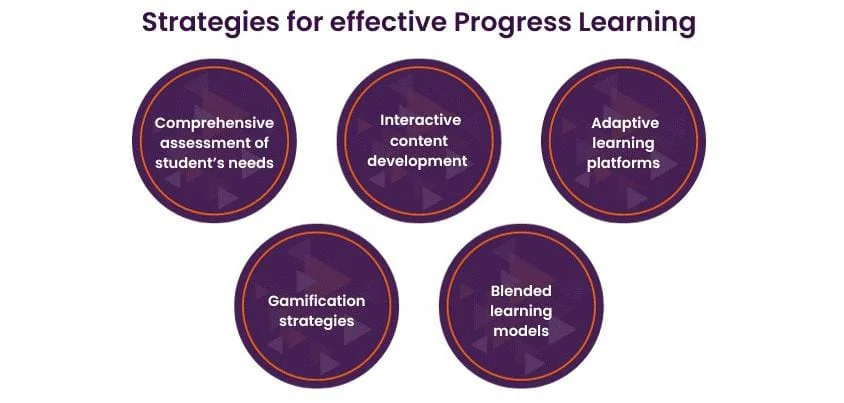
- Comprehensive understanding of students’ needs: Knowing learners’ strengths, weaknesses, and goals to tailor instruction.
- Interactive content development: Using activities, videos, and quizzes to keep learners engaged.
- Adaptive learning platforms: Technology that adjusts content based on learner progress.
- Gamification strategies: Adding game elements like points and rewards to motivate learning.
- Blended learning models: Combining online learning with face-to-face instruction.
Liftoff: Adaptive Learning for Grades 2–8
Liftoff is one of the most powerful tools in Progress Learning:
Features
- Space-themed adventure with avatars, rockets, and galaxy missions
- Dynamic adaptation based on student performance
- Rewards like stars, alien cards, and mini-games
- English/Spanish interface with text-to-speech
- Reports for teachers showing mastery and growth
Benefits
- Helps struggling students catch up quickly
- Supports Tier 2/3 interventions
- Motivates students to practice independently
- Reduces intervention fatigue for teachers
For example, a student who struggles with fractions will receive foundational practice in multiplication and division before continuing to more complex problems, keeping confidence high.
How to Use Progress Learning
Using Progress Learning is simple for administrators, teachers, and students. Each user can access the platform according to their needs.
For Administrators
- Request a demo at progresslearning.com
- Set up student and teacher accounts via manual upload or integrations
- Enable Liftoff for eligible students
- Access training resources and help guides
For Teachers
- Log in via app.progresslearning.com or SSO
- Create classes and roster students
- Assign lessons, quizzes, or Liftoff sessions
- Monitor student progress through dashboards
- Use reports to guide remediation or enrichment
For Students
- Log in via school portal or app
- Check assignments and dashboard
- Complete practice, games, or Liftoff sessions
- Track mastery and celebrate rewards
Support Across Grades
- K–5: Early reading, phonics, math foundations, and interactive games
- 6–8: Liftoff intervention, benchmark assessments, and standards-aligned practice
- 9–12: End-of-course exams, SAT/ACT prep, AP review, and career readiness
Benefits for Teachers and Students
Progress Learning provides advantages for both teachers and students, making the learning process smoother, more effective, and more enjoyable.
Teacher Benefits
- Saves planning time
- Detailed reports on mastery and growth
- Assign lessons for individual, small group, or class use
- Aligns with MTSS/RTI frameworks and state standards
Student Benefits
- Fun, interactive, gamified learning
- Immediate feedback for faster improvement
- Builds confidence and persistence
- Works for struggling learners, advanced learners, and English learners
Comparison with Other Platforms
| Feature | Progress Learning | Other Platforms |
| Grades Covered | K–12 | Often limited |
| Subjects | Math, Reading, Science, Test Prep | 1–2 subjects |
| Adaptive Learning | Liftoff 2–8 | Limited |
| Gamification | Space-themed, rewards | Minimal |
| Teacher Dashboard | Detailed, real-time | Basic |
| Standards Alignment | All 50 states | Partial |
| Remediation | Automatic suggestions | Manual |
| Language Support | English/Spanish, text-to-speech | Limited |
| Test Prep | SAT, ACT, AP, state exams | Partial |
| Flexibility | Whole-class, small group, independent | Fixed |
Frequently Asked Questions
What is Progress Learning?
A K–12 platform for standards-aligned practice, adaptive learning, gamification, and teacher reports.
Who can use Liftoff?
Students in grades 2–8 needing extra support or enrichment.
Can it help advanced learners?
Yes, students progress as they master skills.
How long should students use it?
20–40 minutes per session, 3–5 times per week.
Does it support English learners?
Yes, it has bilingual support and text-to-speech.
Can teachers track progress?
Yes, dashboards show mastery, growth, and engagement.
Why is Progress Learning not working?
Progress Learning may not be working due to a poor internet connection, incorrect login details, or browser/device compatibility issues. Try refreshing the page, updating your browser, or contacting support to resolve the problem.
Conclusion
Progress Learning is more than just an online platform it’s a partner for student success. It combines adaptive learning, fun games, personalized practice, and detailed teacher reports to help students of all levels reach their full potential.
With Progress Learning, students can close learning gaps, build confidence, and stay motivated, while teachers save time and get clear insights into each student’s progress. From early reading and math foundations to high school test prep and career readiness, it supports every step of the K–12 journey.
Whether you’re a teacher, parent, or school administrator, Progress Learning provides the tools to make learning engaging, effective, and measurable. Explore progresslearning.com today to see how it can transform classrooms and help every student succeed.