The Best Tools to Stay Productive as a Teacher (Without Stress)

Today, teaching requires balancing far more than lesson delivery. They are responsible for planning engaging class activities, managing student dynamics, monitoring progress, communicating with parents, and even adapting to changing learning environments. These obligations happen all while ensuring every learner remains focused, supported, and prepared for long-term academic success.
That’s why every institution needs support from a range of advanced tools for teachers. Once used intentionally, teacher productivity apps not only help improve the learning process but also directly support student outcomes, academic performance, and classroom readiness. By reducing administrative struggles and improving organization, educators can gain more time and energy to zero in on lessons, feedback, and healthy student engagement.
This guide explores AI tools for teachers, classroom management tools, time-saving tools for teachers, digital tools for educators, organization programs, and the best apps for teaching. These are all chosen for how they contribute to seamless classrooms and stronger learning experiences.
- Staying on Top of Everything: Task and Time Management Tools
Preparation is an essential aspect of effective teaching. Instructional quality and the consistency of student learning can be adversely affected when teachers have difficulty managing their tasks, deadlines, and schedules.
Time and task management tools are designed to provide teachers with structure behind the scenes, allowing them to plan lessons on the dot, track student needs, and maintain instructional flow. These platforms are beneficial in terms of providing teachers with improved pacing, clearer priorities, and more consistent learning experiences for every learner.
Some examples of commonly used teacher productivity apps that fall into this category include:
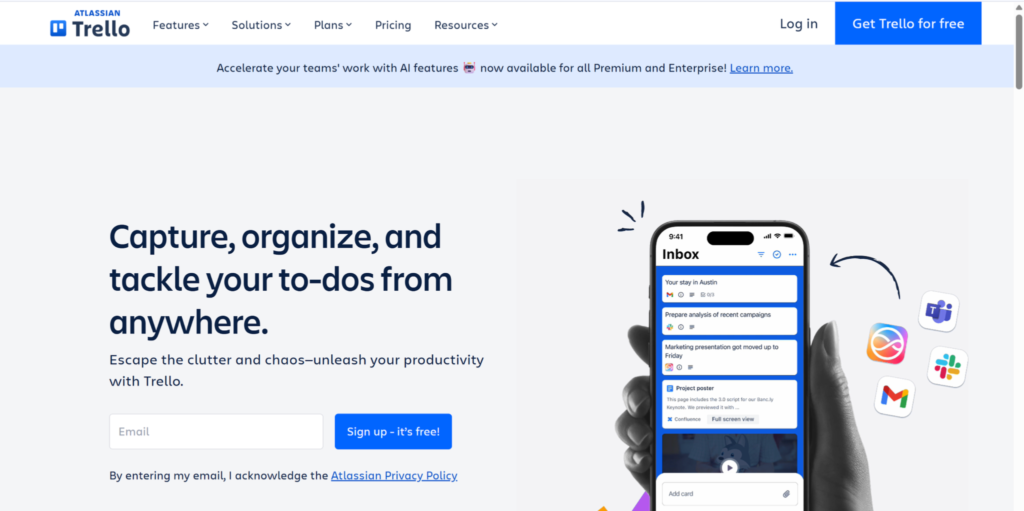
- Trello – A visual project board that helps teachers organize their lesson plans and instructional units and follow up with students.
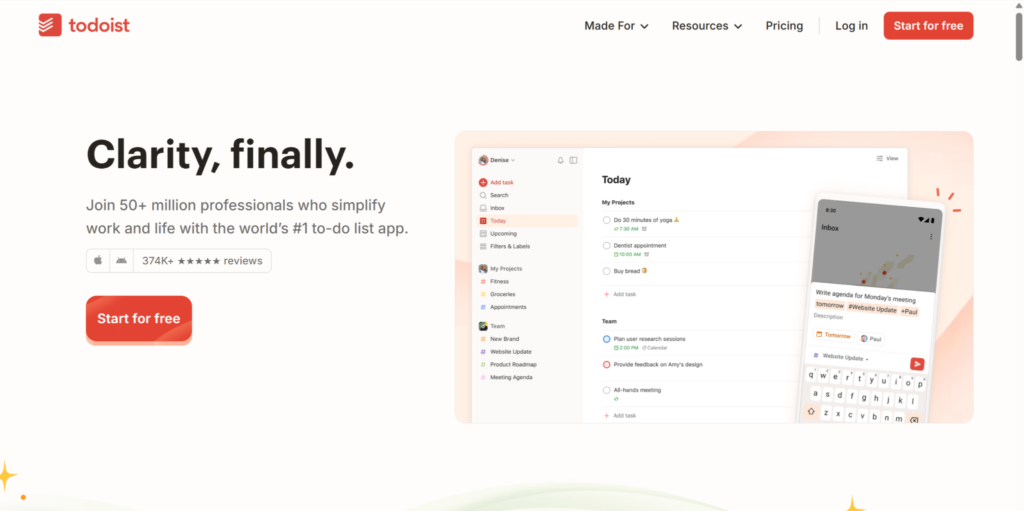
- Todoist – A structured task manager that allows teachers to manage their recurring teaching responsibilities and long-term projects.
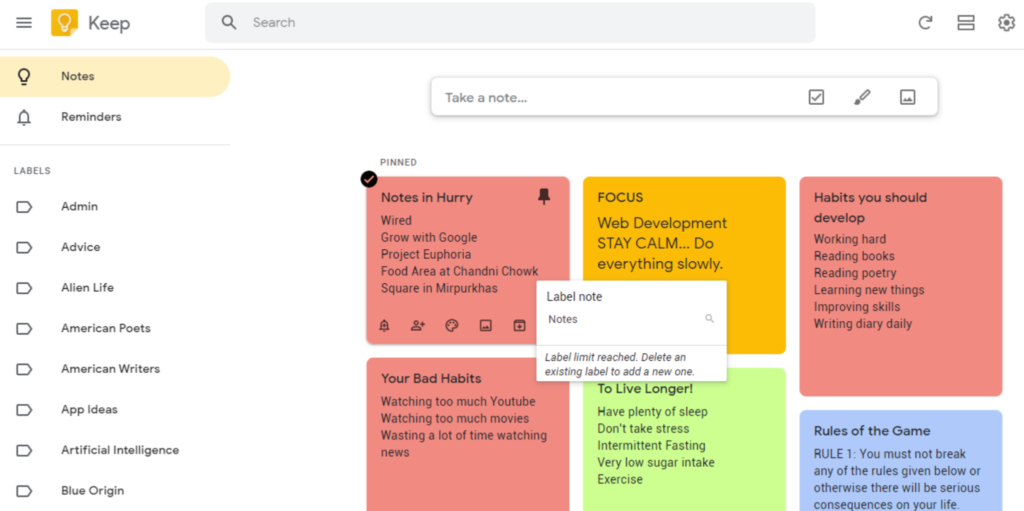
- Google Keep – A simple note-taking and reminder application that enables teachers to quickly capture ideas and needs in the classroom.
By using these time-saving tools for teachers, educators can increase their organizational skills and reduce their cognitive load, providing students with timely instructional support. As a result, students have clearer expectations and a more consistent pace. Thus, minimizing the chances that there will be a large gap in the level of support provided to students.

- Lesson Planning Made Simple
One of the biggest challenges for teachers is lesson planning, both because it takes lots of time and because it has such a huge impact on student learning. That’s why lots of people say that the core of effective teaching is a well-crafted lesson plan, as it helps make things clear, have a more strategic timeframe flow, and unify learning objectives.
According to research, teachers spend approximately 7 hours a week planning lessons (that’s almost a full working day), so providing tools that help make this task bearable and more efficient allows teachers to spend less time re-creating resources and more time refining their instruction to meet the needs of students.
The most commonly used productivity apps for teacher planning are
- Planboard by Chalk – A visual lesson planner with drag-and-drop scheduling, curriculum mapping, and standards alignment. Teachers can organize their plans by subject or grade and reuse them across semesters.
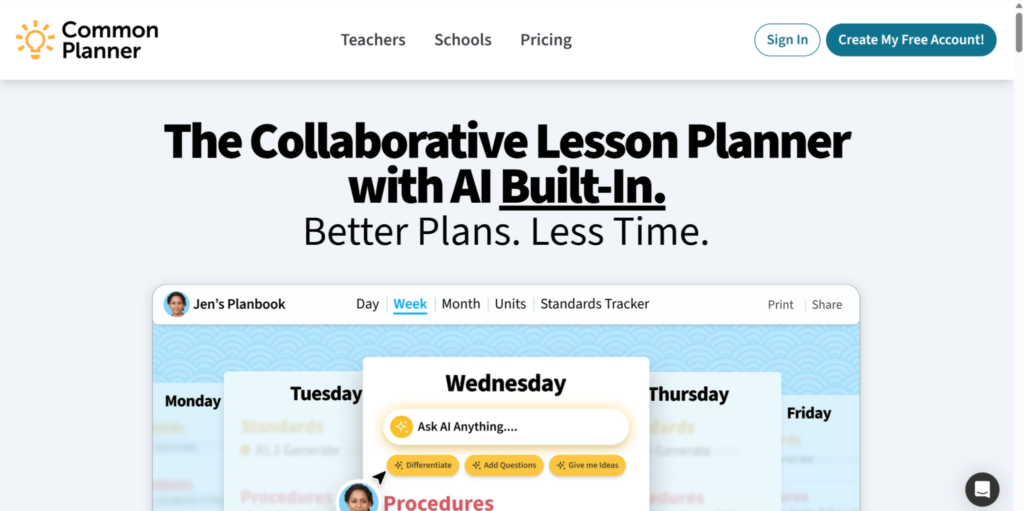
- Common Curriculum – A flexible platform that allows collaborative planning, real-time editing, and the ability to attach resources directly to lessons. Great for team teaching or aligning units schoolwide.
If a teacher has access to planning tools that alleviate workload, they will be able to create more intentional lessons, which will develop greater understanding of the material for their class, helping them impart more knowledge and preparing future-ready students.

- Classroom Management & Student Behavior Tools
Learning engagement is directly impacted by how the classroom is managed by the teacher. When hybrid or technology-based environments lack consistent expectations or are interrupted by unmanaged digital distractions, classroom learning can be disrupted.
Educators’ use of classroom management tools provides support for student participation, monitoring, reinforcing routines, and keeping their attention on their tasks without interrupting the instructional process. The use of digital classroom management tools also allows educators to create predictable learning spaces in which students know what to expect, resulting in greater engagement in the learning process.
Here are three (3) go-to options for behavior and classroom flow:
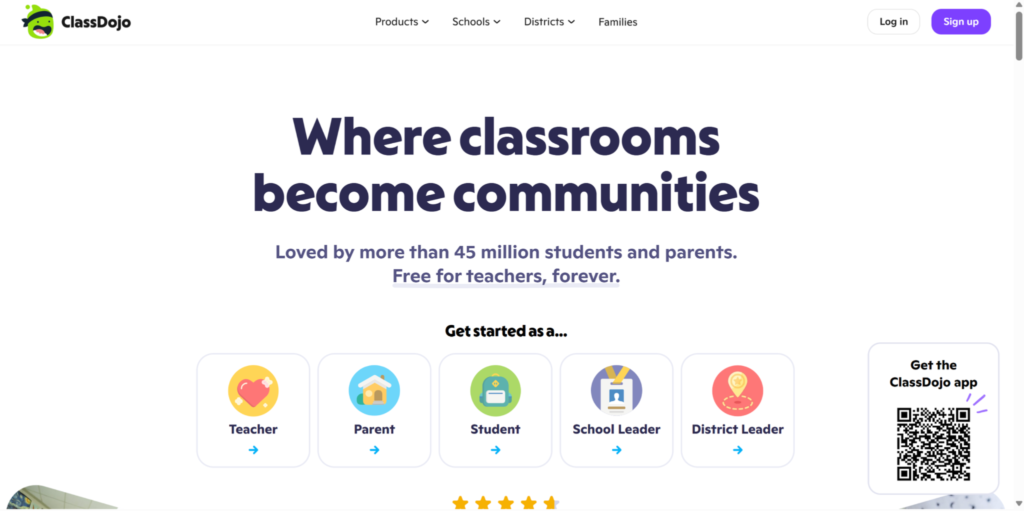
- ClassDojo – A student behavior and communication platform that uses points, avatars, and messaging to keep students engaged and parents in the loop. Perfect for younger learners.
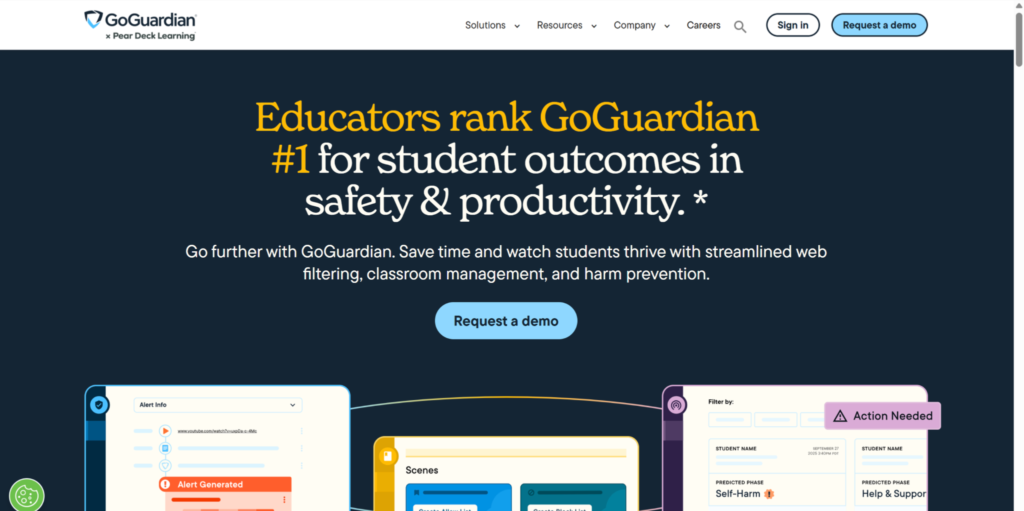
- GoGuardian – A powerful monitoring tool for digital classrooms. Teachers can view student screens in real time, filter content, and guide online behavior.
Helpful Tip: Classroom management digital tools often have a clean and calm white background that minimizes distractions and unnecessary elements and provides clarity to the student.
When educators provide pupils with consistent routines and build healthy study behavior, the students will develop self-regulatory skills that extend to their out-of-classroom activities.
.
- Grading, Assessment & Feedback Tools
Assessing students through a grading system is key to monitoring their progress and achievement. However, grading manually can limit the amount of time teachers have for improving instruction. Delays in receiving assessments can hinder the effectiveness because many students depend on quick feedback to modify their learning methods.
Currently, many teacher tools provide efficient grading processes while maintaining the quality of evaluation. Automating time-consuming tasks frees up teachers to interpret results and respond to the needs of students.
Here are three (3) tools for teachers that streamline grading and assessment:
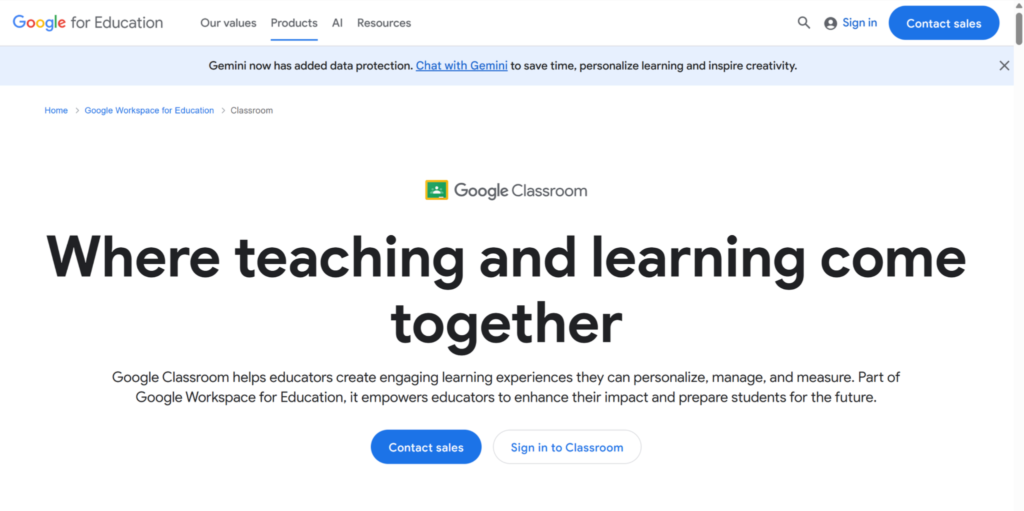
- Google Classroom – Seamlessly pairs with Google Forms for automated quizzes, feedback loops, and assignment tracking; all in one place.
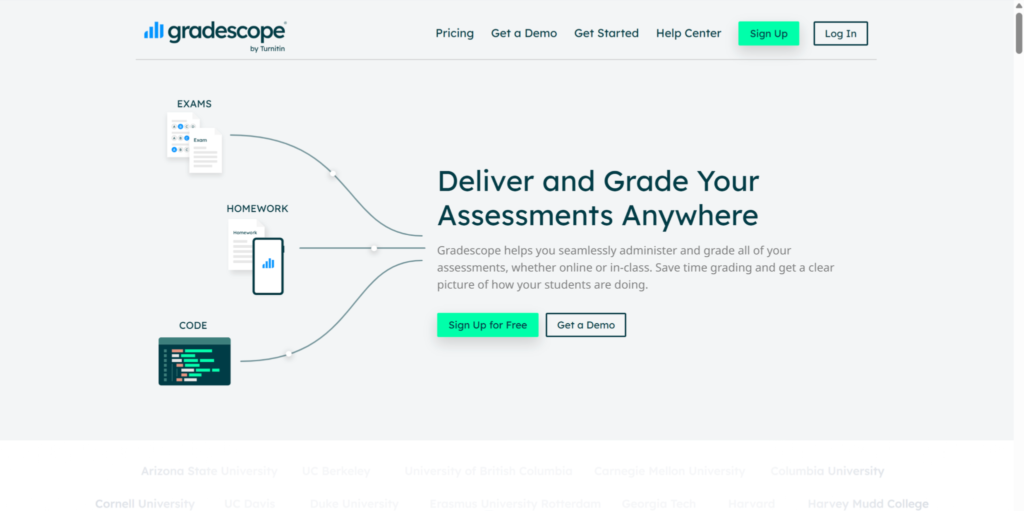
- Gradescope – Speeds up grading for written or scanned assessments with AI-assisted grouping and batch comments.
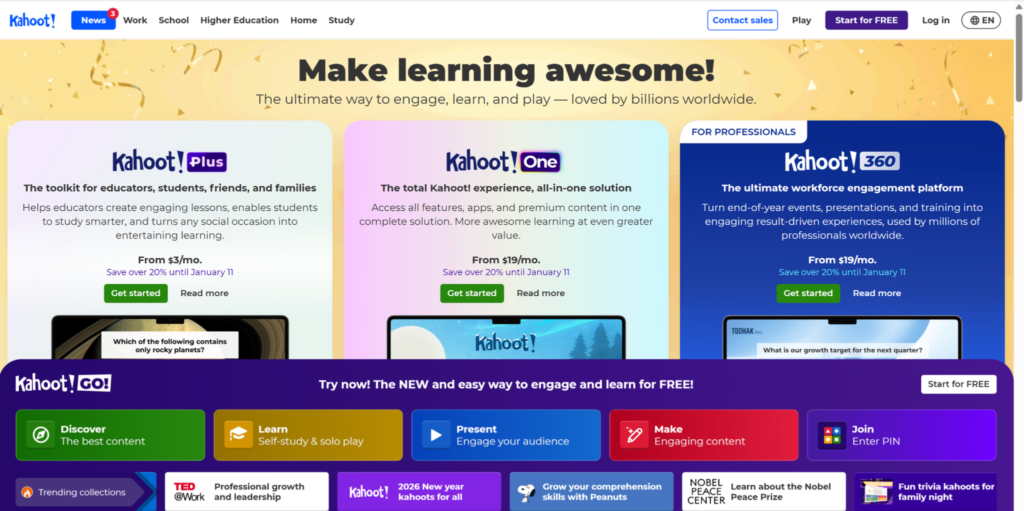
- Kahoot! – Turns formative quizzes into high-energy games, giving instant results while keeping students engaged.
In addition, providing timely feedback allows students to know what to improve in their performance. Thus, accurate and fast grading evaluation can help provide motivation for them to learn and strive even more. Rapid assessment cycles also allow teachers to make adjustments to teaching, which always leads to a better experience for both ends.

- Communication & Collaboration Tools
When teachers, students, and families communicate clearly, they develop strong partnerships that benefit everyone involved. On the other hand, when communication is not managed properly, it can create blurred lines and contribute to teacher burnout, which ultimately diminishes the quality of instruction provided to students. One study shows that 60% of all teachers report experiencing job-related stress frequently or consistently, which makes it harder for them to enjoy time with family and friends.
On the flip side, students will also struggle to learn and thrive once their educators experience problems in terms of communication and management.
This is where digital tools can support teachers by providing centralized forms of communication and defining expectations for response time and availability. By having structured communication with students and families, teachers will have the ability to respond in a timely fashion to all of their shared messages without feeling overwhelmed by the flow of communication coming into their inboxes throughout the day.
Here are three (3) digital tools for educators that help you stay connected without the burnout:
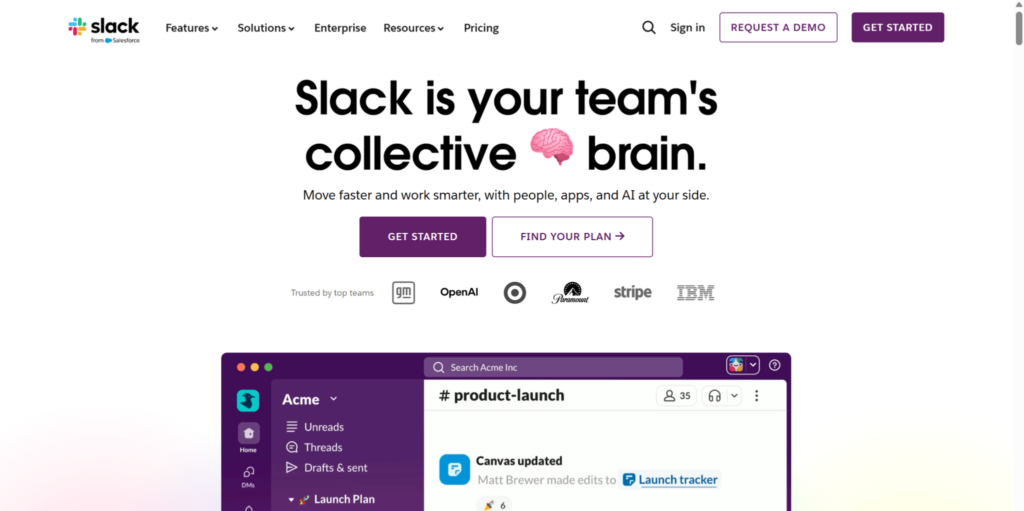
- Slack – A communication tool that allows for organized team communication and reduces email usage.
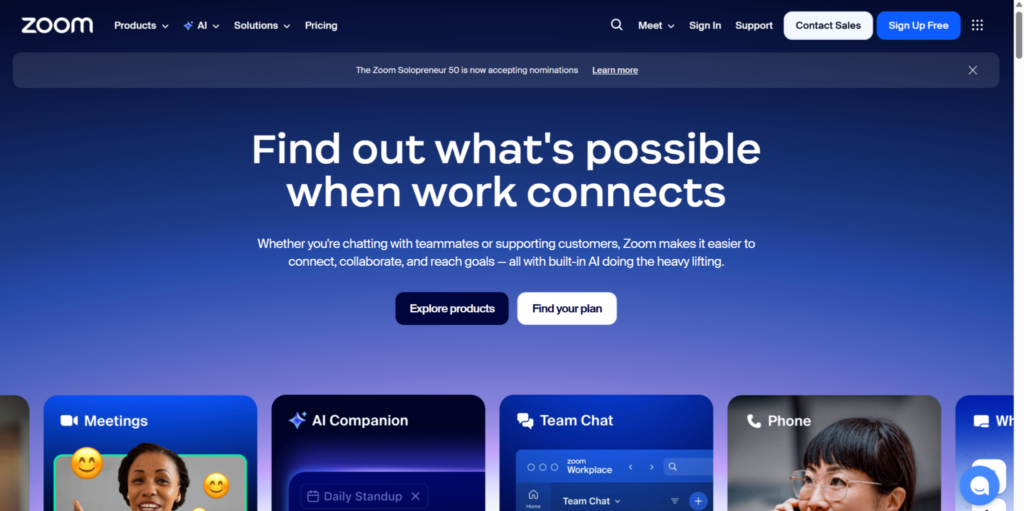
- Zoom – A video conferencing platform that can be used for parent-teacher conferences, remote instruction, and student check-ins.
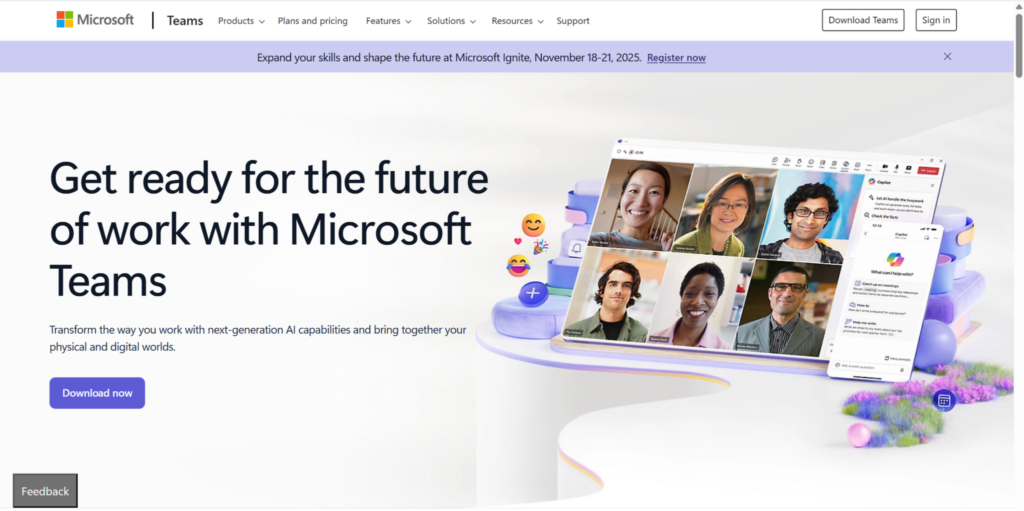
- Microsoft Teams – A communication platform that can be used for long-term collaboration by providing chat, video, and a centralized location for files.
Ultimately, when teachers communicate effectively with their students, they provide a transparent, consistent message regarding expectations, progress, and support. They will also be able to provide thoughtful and meaningful feedback to students regarding their questions, concerns, and/or requests for assistance in real time.

- File Management & Resource Organization
Digital education provides an increasing amount of materials, including worksheets, presentations or slides, videos, assessments, etc. When there is no system in place for properly organizing the created materials, teachers end up wasting invaluable usable teaching time looking for them.
Teacher organization tools function as a way to keep folders of materials easily accessible when organizing, storing, retrieving, and sharing teaching and educational resources.
Commonly used tools that teachers can use for managing files include
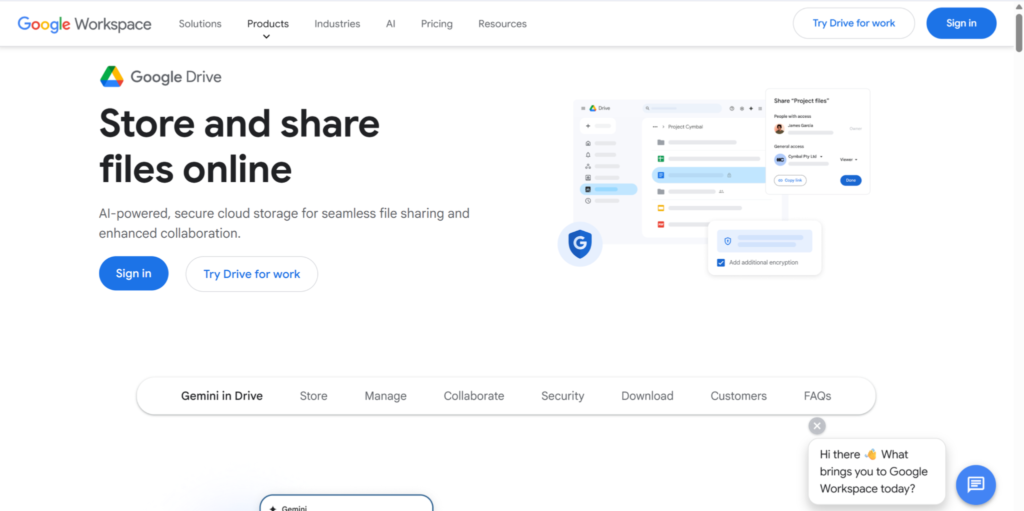
- Google Drive – Cloud-based storage with folders, real-time collaboration, and seamless integration with Google Docs, Sheets, and Forms.
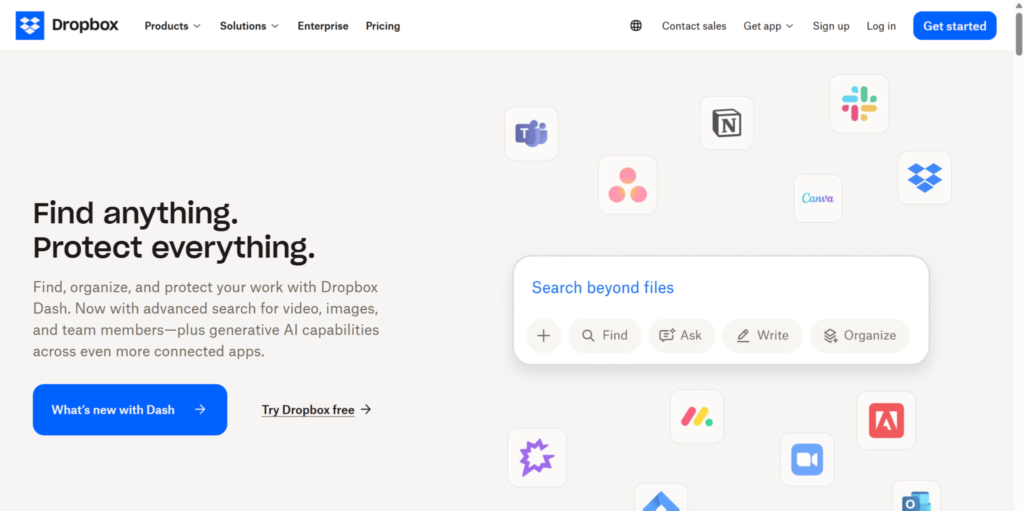
- Dropbox – A flexible file storage platform with smart syncing and easy sharing for large multimedia files.
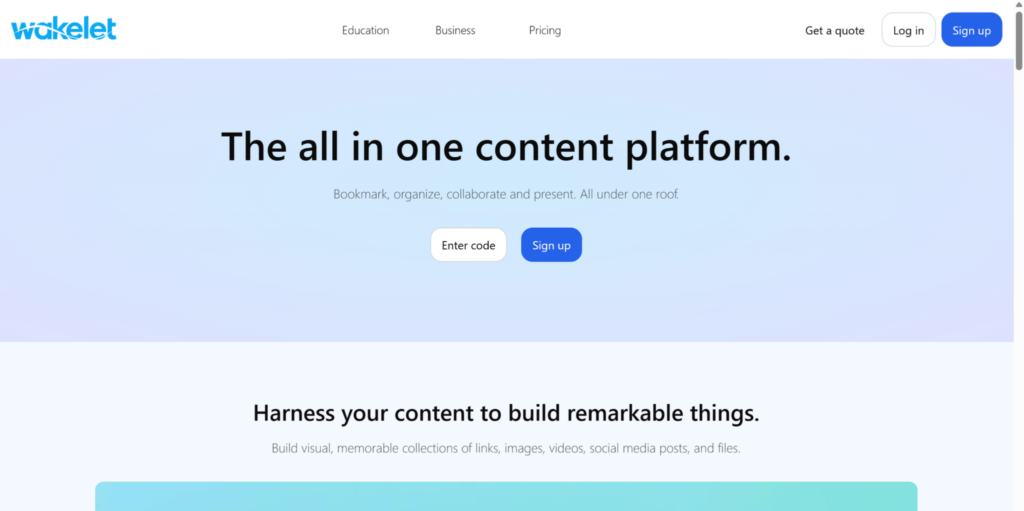
- Wakelet – An online content curation tool that enables educators to organize links, documents, and media visually.
With digital tools for educators, the classroom stays organized even when your day doesn’t. Besides, having materials sorted out aids in keeping teaching time running on schedule and makes transitions smoother. When students have consistent access to teaching resources, they have less confusion about the subjects and develop more independent learning whenever needed, which improves their overall experience.

- Creative & Visual Tools for Teaching Materials
Visual clarity is an important part of the process of understanding material in a digital-first classroom. Overloaded presentations or distracting images increase cognitive load, which can decrease student understanding, leading to poorer academic performance.
With this, creative tools designed for teachers help make simplified visual representations that allow learners’ attention to remain immersed in the topic at hand.
Some identified the best apps for teaching in terms of maintaining visual impact, including:
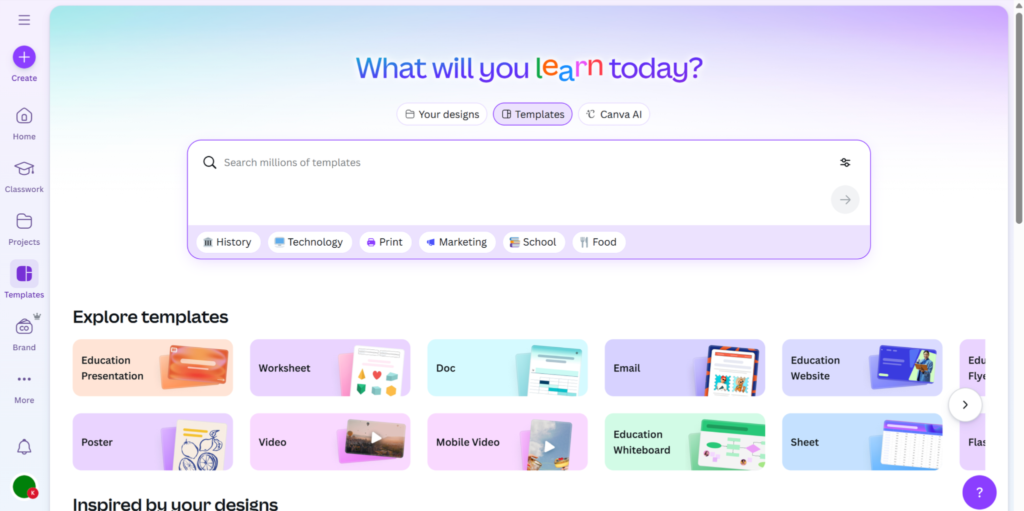
- Canva for Education – Provides users with templates to create various types of presentation materials, worksheets, or infographics;customizable and built for the classroom.
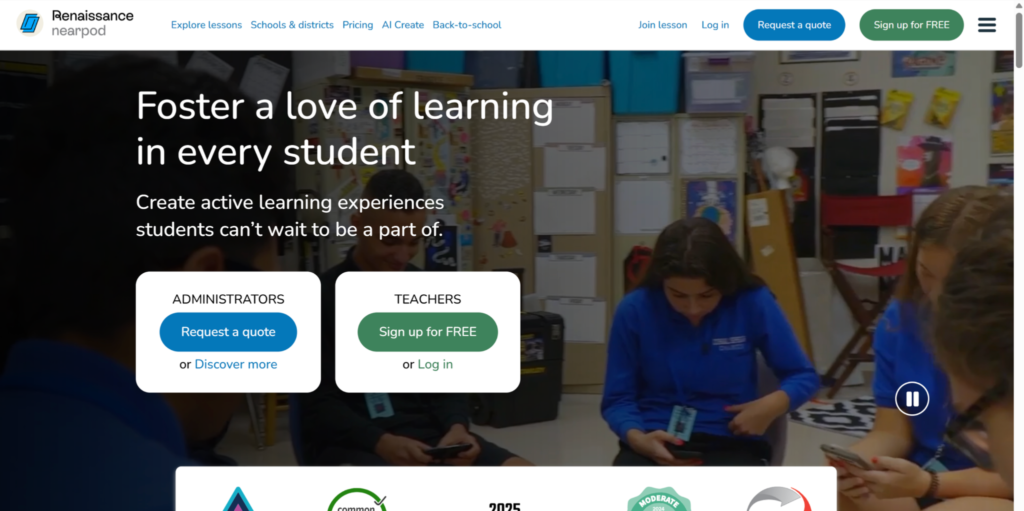
- Nearpod – Lets you create interactive lessons and real-time activities, like quizzes and polls, all embedded within slides.
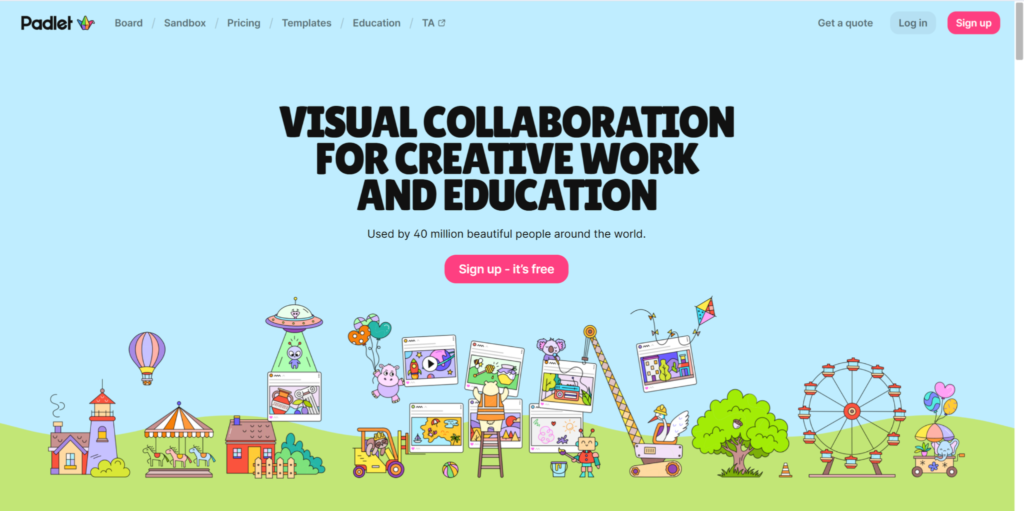
- Padlet – A virtual bulletin board where students and teachers can share images, text, and links in creative, collaborative layouts.

- Removal.AI – A background remover tool that instantly clears clutter from images;perfect for thumbnails, classroom visuals, and certificates.
The impact of clear visuals on students’ learning curves is significant. For visual learners, having easy-to-understand images and a perceptible board will improve their ability to retain information and comprehend what is being presented. Simplifying the design of the subject representation will assist in reducing any potential unnecessary intrusion and will also promote the use of a more inclusive teaching style. Essentially, with tools like these, your materials won’t just teach;they’ll stick.
How to Pick the Right Tools (Without Overwhelming Yourself)
With so many digital tools and productivity apps available to teachers today, it is important to take intention when choosing the right ones for your classroom. Many of these tools can help you be more productive; however, if you try to use too many of them at once, they can also complicate the ability to educate and potentially lead to students’ cognitive overload.
The success of any tool you utilize is directly related to your strategy in selecting the ones that best align with your pedagogical objectives, meet your needs, and put your learners’ welfare as the top priority.
Hence, before opting for the right platform, it is essential to:
- Identify your top challenges; such as grading delays, lesson planning demands, classroom management, or resource organization.
- Find a variety of time-saving tools that are specifically designed to help you overcome challenges (e.g., AI tools for teachers and teacher organization tools that support lesson delivery and assessment).
- Focus on what the tools do rather than what they are (i.e., functions vs. novelty) so that the tools you acquire will have a greater impact on your instructional practices.
Designing Tool Use Around Student Needs
Equitable access is critical for all learners because it has a direct impact on the way a student experiences learning. When teachers have access to tools that are easy to use and compatible with devices, teachers are less likely to have technical issues that interfere with or create barriers to participation.
Furthermore, here are some criteria to guide you in evaluating tools, prioritizing student experience:
- Tools that provide consistent access for students regardless of the type of device they are using or the level of connectivity.
- Platforms that minimize distractions for students, enabling them to concentrate on the main ideas and critical lessons.
- Tools that clearly deliver instructional materials to students; this is especially important for visual and multilingual learners.
- Programs that easily integrate into classroom routines without disrupting the flow of the learning process.
- Platforms that enhance student engagement without overwhelming them with unnecessary features.
Overall, sustainability is vital to students as well as to teachers. Using one tool at a time allows learners to adapt without confusion and keeps instructional activities clear and predictable. From comprehensive tools such as presentation templates to lighter yet beneficial support features, like “remove bg,” for instructional visuals, improve comprehension and focus for students. Thus, always remember to choose intentionally and foster a more progressive environment for them to thrive in all the time.
Conclusion: Tech That Teaches With You, Not Against You
Using digital tools properly can affect how students learn daily. Teachers’ choice of tools based on learners’ benefit maximizes their focus on classroom activities, makes lessons easier to follow, and provides timely feedback. By reducing friction associated with planning, communicating, and assessing, teachers are able to devote more time to instruction and support.
The intention here isn’t to use more technology but to select the most appropriate ones. These should help students be engaged, facilitate comprehension of content, and help them progress confidently. By applying technology with purpose at heart, teachers can open more opportunities for students to have equitable access and consistent, enriching experiences.
After all, when technology is working effectively and unobtrusively in support of learning, students will become more prepared and have a brighter future ahead of them.