Lexia PowerUp Literacy: What It Is, How It Works, and How to Log In With Clever
Lexia PowerUp Literacy is a reading program for students in grades 6 through 12 who need help catching up on reading skills. It mixes computer lessons with lessons a teacher leads in class. The program covers three parts: word study, grammar, and comprehension. Research shows it can help students grow as readers, though not every claim about it has been checked by an outside group. Most schools give students access to it through Clever, a single sign on tool that lets a student open school apps with one login.
Millions of middle and high school students read below grade level. In 2024, only 33 percent of eighth graders in the United States scored at or above the proficient level in reading, according to the National Assessment of Educational Progress, known as NAEP. Because of numbers like this, schools have leaned harder into adolescent literacy support, meaning reading help built for older students instead of just young readers. Lexia PowerUp Literacy is one of the tools many schools now use for that job.
If your child was just assigned this program, you may be wondering what it actually is and whether it works. This guide explains what Lexia PowerUp Literacy covers, who it is built for, what the research says, and how to log a student in through Clever if that is how your school sets it up.
What Is Lexia PowerUp Literacy?
Lexia PowerUp Literacy is a reading program made by Lexia, a brand owned by Cambium Learning Group. Lexia has built reading tools for schools for more than 40 years. The company was once known as a Rosetta Stone brand before Cambium took it over.
PowerUp is built for students in grades 6 through 12. It is not meant to replace a student’s regular English class. It works alongside that class as extra support, often called a reading intervention. Students usually spend about 40 minutes a day on the program as part of their school schedule.
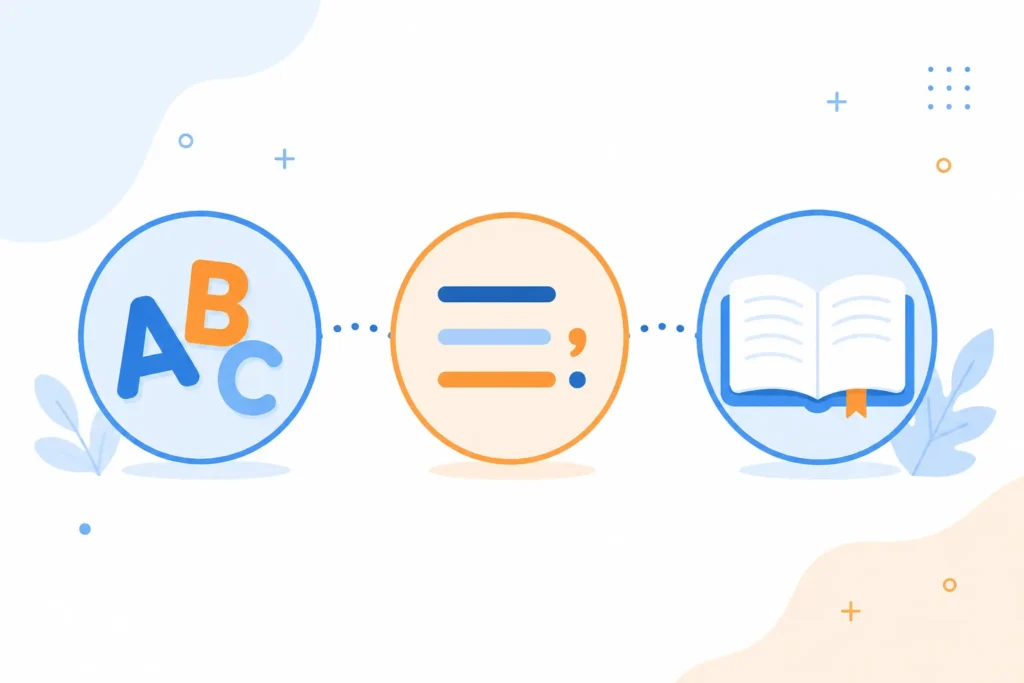
The program covers three skill areas:
- Word Study, which builds skills like spelling patterns and word parts
- Grammar, which covers sentence structure and language rules
- Comprehension, which helps students understand what they read
PowerUp is what educators call a blended learning program. That means it mixes two parts: online lessons a student works through alone, and offline lessons a teacher leads with the whole class or a small group. The online part is also adaptive learning, meaning it changes based on how the student is doing. If a student struggles with a skill, the lessons slow down and cover that skill again in a new way. Each student starts with a placement check, and from there follows their own personalized learning path instead of moving at the same pace as everyone else.
PowerUp is built on ideas from the Science of Reading, a large body of research on how children actually learn to read. That research supports a teaching method called Structured Literacy, which breaks reading down into clear, step by step skills instead of asking students to guess words from pictures or context. Some of these ideas connect back to the Orton-Gillingham approach, a teaching method used for decades to help students with reading difficulties learn language rules in small, clear steps.
Teachers can also check a report tool called myLexia to see progress monitoring data for each student. This shows which skills a student has learned and which ones still need work, without giving the student a formal test.
On the privacy side, PowerUp holds FERPA and COPPA certification through a group called iKeepSafe. FERPA and COPPA are U.S. laws that protect student data. This certification means an outside group reviewed PowerUp and confirmed it follows those privacy rules, not just Lexia’s own word.
Who Is Lexia PowerUp Literacy For?
Lexia PowerUp Literacy is built for students in grades 6 through 12 who read below or near grade level. This includes students who have fallen behind, students still learning English, and students with reading difficulties such as dyslexia. It is meant to be used alongside regular classroom reading instruction, not instead of it.

Dyslexia is common. The International Dyslexia Association reports that dyslexia affects about 15 to 20 percent of people, or roughly 1 in every 5 people. That means in nearly every classroom, some students are quietly struggling with reading skills that feel easy to their classmates. Programs like PowerUp are often part of a school’s plan to support these students, sometimes called a Tier 2 intervention, meaning extra help given on top of regular class time.
PowerUp is not really built for students who already read fluently and enjoy reading on their own. Those students may find the repeated practice slow. The program works best for struggling readers who need direct, structured help reaching grade level or meeting what schools call College and Career Ready Standards, the reading and writing skills students are expected to have by the time they graduate.
Is Lexia PowerUp Literacy Effective? What the Evidence Shows
Many parents and teachers ask the same question before trusting any tool with a student’s time. Does it actually work? Here is what the research shows, in plain terms.
The Research Behind Lexia PowerUp Literacy
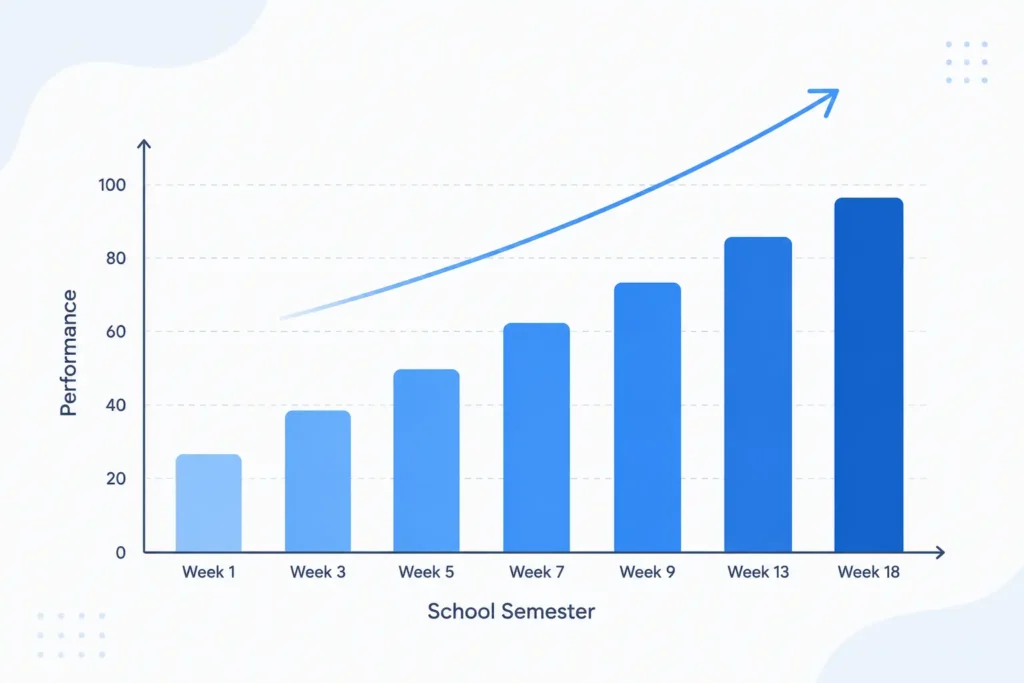
The National Center on Intensive Intervention, a group funded by the U.S. Department of Education, reviewed a study of PowerUp. The study included 155 students in grades 6 through 8. These students attended two schools where most families have lower incomes. Students who used PowerUp for one semester scored higher on a reading test called the STAR Reading Assessment than students who did not use it.
The size of that improvement is called an effect size. PowerUp’s effect size in this study was 0.36. Under a federal law called the Every Student Succeeds Act, known as ESSA, that number was strong enough to earn PowerUp a “Strong Evidence” rating, the highest tier a school program can receive.
To understand what that number means, it helps to compare it to other research. A large review of reading programs for struggling readers in grades 4 through 12 found that similar programs had effect sizes between 0.49 and 0.95 on average. So PowerUp’s result of 0.36 sits on the lower end of what researchers usually see across the field, even though it still cleared the bar for strong evidence under ESSA.
Groups outside of Lexia have also looked at the program. The Florida Center for Reading Research, based at Florida State University, and Evidence for ESSA, a review project connected to research at Johns Hopkins, both list PowerUp in their program summaries. These groups are independent, meaning Lexia does not pay them to promote the product. If you are reading different Lexia PowerUp Literacy reviews online, the ones from independent research groups like these carry more weight than reviews written by the company itself.
What the Marketing Claims Don’t Tell You
Lexia’s own materials often say PowerUp is up to five times more effective than the average middle school reading program. That number comes from a study Lexia paid for, and it has not been checked by the What Works Clearinghouse, a federal group that reviews education research and is often seen as the strictest test a school program can pass. As of now, PowerUp has not gone through that specific review.
This does not mean the program fails to help students. It means the strongest, independently checked result available right now is the 0.36 effect size reviewed by the National Center on Intensive Intervention, not the five times number used in ads. Parents and teachers should know the difference between a company’s own study and one that outside experts have double checked.
Lexia PowerUp Literacy vs. Lexia Core5: What’s the Difference?
Lexia Core5 is built for students in Pre-K through grade 5, while Lexia PowerUp Literacy is built for students in grades 6 through 12. Both programs share the same basic idea: online lessons that adjust to each student, paired with offline lessons a teacher leads.
The biggest difference is how the content looks and feels. Core5 uses characters, games, and themes made for young children. PowerUp uses more mature topics, texts, and images built for older students. A seventh grader placed in a program made for a 6 year old is likely to feel embarrassed and stop trying. PowerUp covers similar reading skills, but in a way that fits an older student’s age and interests.
How to Access Lexia PowerUp Literacy Through Clever
Many schools give students access to Lexia PowerUp Literacy through Clever, a single sign on tool, often shortened to SSO. Clever lets a student open every school app with one login instead of remembering a separate password for each one. If your school uses Clever, here is how a student typically completes a Lexia PowerUp Literacy login.
- Go to your school or district’s Clever login page. If you do not know the exact link, visit clever.com/login and search for your school by name.
- Sign in using the username and password your school gave the student. Younger students may be able to scan a Clever Badge instead of typing a password.
- Once inside the Clever dashboard, look for the Lexia PowerUp icon among the other app tiles.
- Click or tap the icon. This opens PowerUp and signs the student in on its own, without asking for a second password.
- On an iPad, the student needs both the Clever app and the Lexia PowerUp Literacy app installed. Open the Clever app first, log in there, then choose PowerUp.
If your family is new to this process, our guide on how to log in to Clever Portal as a student walks through the full sign in steps. Teachers setting up classroom access can check our guide for teacher and staff Clever logins.
What to Do If a Student Can’t Log In
Most login problems with PowerUp are not really PowerUp problems. They are Clever account issues, since your school’s records decide which apps a student can open.
- Check that the student is using the correct Clever login page for your exact school or district, not a general Clever address.
- Make sure the student’s account has not changed classes or schools recently, since that can affect which apps show up.
- If the login still fails, contact your child’s teacher or the school’s technology team. Lexia’s own support team cannot look up or reset a student’s username or password, because your school controls that account, not Lexia.
Our full Clever Portal issues and solutions guide covers more login errors and fixes if the problem is not specific to PowerUp.
Lexia PowerUp Literacy Cost: School vs. Home Use
Most students use PowerUp at no direct cost to their family, because the school pays for the license. Schools typically pay around 40 dollars per student per year, with lower per student pricing for larger schools or districts.
Families who want to use PowerUp outside of school, such as homeschool families, can buy a home license directly from Lexia. That pricing runs closer to 175 dollars per student per year, similar to the home pricing for Lexia Core5. If your child already has access through school, you likely do not need a separate home license unless you want access during the summer or outside the school calendar.
Frequently Asked Questions
Is Lexia PowerUp Literacy free?
For most students, yes. Schools buy the license, so families usually do not pay anything directly. A home use license through Lexia costs money, currently around 175 dollars per student per year.
What grade is Lexia PowerUp Literacy for?
It is built for students in grades 6 through 12 who are reading below or near grade level.
How long should a student use Lexia PowerUp each day?
Schools typically schedule about 40 minutes a day. Families using it at home often run shorter sessions, closer to 15 to 30 minutes, a few days a week.
Can Lexia PowerUp Literacy be used on an iPad or at home?
Yes. It works in web browsers like Chrome, Edge, Firefox, and Safari, and it also has its own iPad app. If a student logs in through Clever on an iPad, both the Clever app and the PowerUp app need to be installed.
Who do I contact if my child can’t log in to Lexia PowerUp?
Contact your child’s teacher or your school’s technology team first. Since login accounts are managed by the school, Lexia support cannot give out or reset a student’s username or password.
Does Lexia PowerUp Literacy help students with dyslexia?
It is built around Structured Literacy methods, which research supports for students with dyslexia and other reading difficulties. It should still be used alongside any specific support plan your child’s school already has in place, not as a stand in for it.
If your school uses Clever, getting a student into PowerUp only takes a minute once the account is set up correctly. Our guide on Clever student logins walks through every step, and if something is not loading right, our Clever issues and solutions page can help you sort it out.