The 9 Best LMS for Small Business in 2026 (Ranked and Compared)
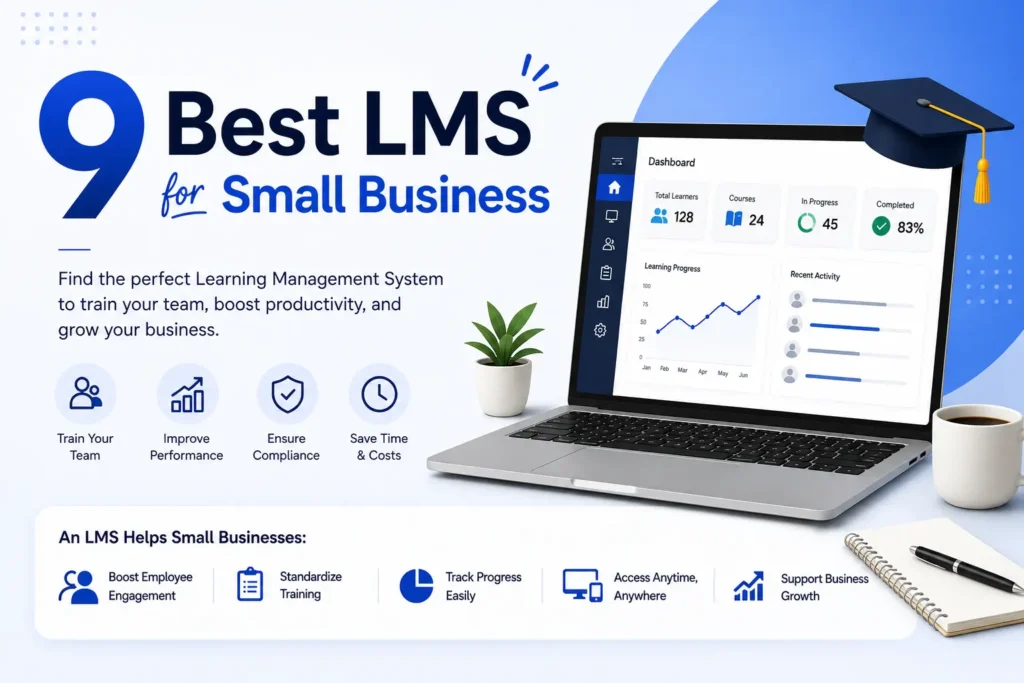
TL;DR: The best LMS for small business centralizes employee training, automates onboarding, and tracks progress without needing a dedicated IT team or an enterprise budget. Key factors to compare include ease of setup, per-user pricing, mobile access, and scalability. Platforms differ significantly in AI features, compliance tools, and content authoring flexibility. Matching the right LMS to your team size and training goals matters more than simply picking the most popular platform.
Most small business owners start training new hires the same way: a shared Google Drive folder, a few printed handouts, and a lot of hope. That system works fine for a team of three. But once your team grows, compliance deadlines start appearing, and new employees keep asking the same onboarding questions, that setup quickly falls apart.
A good LMS for small business fixes this. It puts all your training materials in one place, tracks who completed what, and automates the repetitive parts of onboarding so you can focus on actually running your business.
This guide evaluates the top LMS platforms built or priced for small businesses. You will find honest comparisons, real pricing, and clear guidance on which tool fits your team size and training needs.
The 9 Best LMS Platforms for Small Business in 2026
Here are the top-rated learning management systems for small businesses, chosen for their value, ease of use, and fit for teams with fewer than 200 employees.
- CleverLMS: Best for fully customizable employee training
- TalentLMS: Best for fast training setup
- Connecteam: Best for deskless and mobile workforce training
- 360Learning: Best for collaborative learning and team-driven content
- iSpring Learn: Best for performance tracking and reporting
- LearnUpon: Best for multi-department training management
- SkyPrep: Best for ease of use and customer support
- ProProfs Training Maker: Best for budget-friendly compliance training
- Easy LMS: Best for simple and no-frills training
1. CleverLMS: Best for Fully Customizable Employee Training
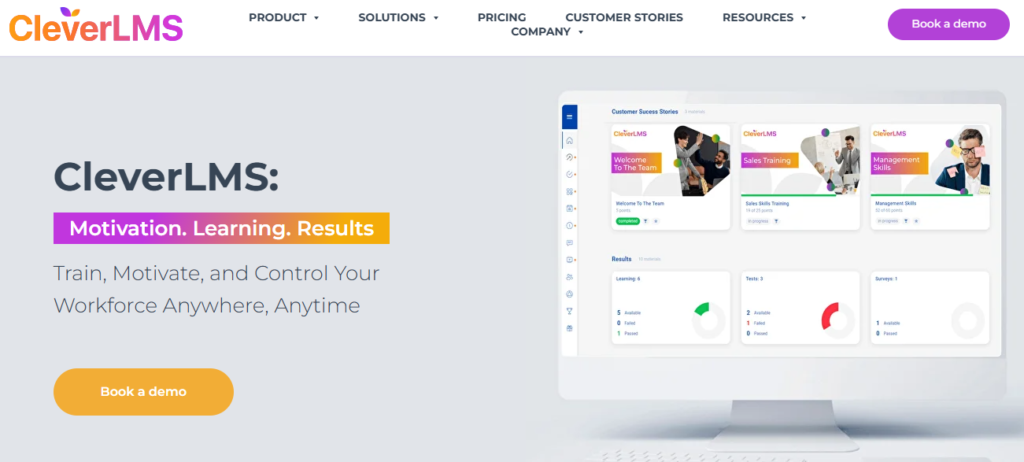
Best for: Small to mid-sized businesses that want a branded, fully customizable eLearning platform without paying enterprise prices.
Pricing: Starts from $1 per user per month for the basic feature set; up to $5 per user per month for the full feature set.
Key strengths:
- Fully customizable branding so your training portal looks and feels like your company
- Built-in mobile app for training deskless and remote employees on any device
- Flexible pricing that scales with your actual team size, not arbitrary tiers
- Supports course creation, onboarding flows, compliance tracking, and learning paths
Limitation: Pricing information for larger teams requires a direct conversation with the vendor rather than a fully self-serve sign-up process.
Best suited for: Growing small businesses that want a white-labeled training platform they can truly own and customize.
2. TalentLMS: Best for Fast Setup and Simplicity
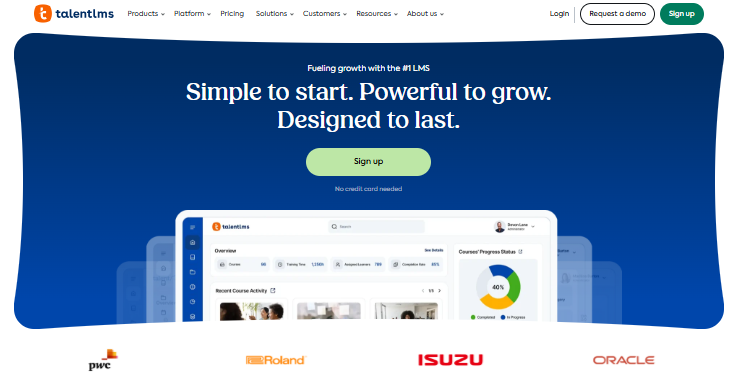
Best for: Small teams that need to get training running quickly with zero technical overhead.
Pricing: Starts from $119 per month for up to 40 users.
Key strengths:
- Ready to use in under an hour with no IT support required
- Pre-built course templates that cut content creation time dramatically
- Strong mobile learning support with a dedicated app
- SCORM-compatible for teams importing existing training content
Limitation: Pricing jumps significantly at higher user tiers and may become costly as you scale past 100 employees.
Best suited for: Micro to small teams (5 to 50 employees) who want the fastest possible path from zero to running training.
3. Connecteam: Best for Deskless and Remote Workers
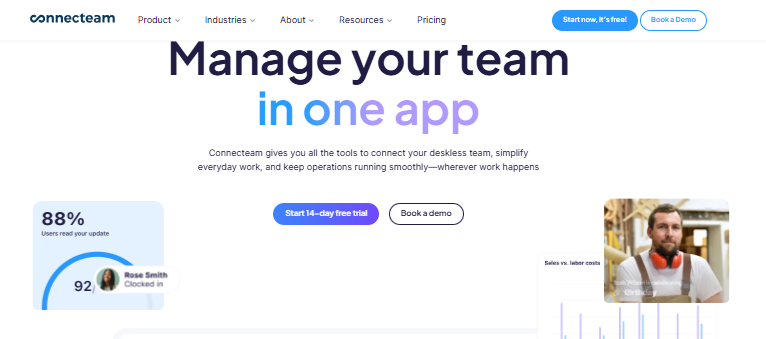
Best for: Small businesses with field teams, retail staff, restaurant employees, or remote workers who train primarily on mobile.
Pricing: Starts from $29 per month for up to 30 users.
Key strengths:
- Mobile-first design built specifically for deskless workers
- Combines employee training with scheduling, communication, and task management
- Easy drag-and-drop course builder that requires no design experience
- Good compliance training tools for food service, retail, and healthcare SMBs
Limitation: Less powerful as a standalone eLearning platform for office-based teams who need advanced content authoring tools.
Best suited for: Small businesses in industries like hospitality, construction, retail, and logistics where most employees work away from a desk.
4. 360Learning: Best for Collaborative and Peer-Led Training
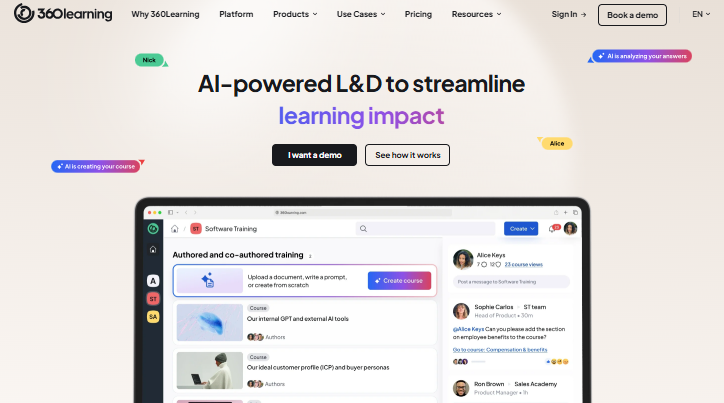
Best for: Small businesses where subject matter experts inside the company want to create and share training with each other.
Pricing: Starts from $8 per user per month.
Key strengths:
- Collaborative course creation lets managers and internal experts build training together
- AI-powered content suggestions and automated learning paths
- Strong analytics for tracking employee progress across departments
- Integrates well with tools like Slack and Microsoft Teams
Limitation: The collaborative-first approach may feel overly complex for businesses that simply want to deliver pre-built content to employees.
Best suited for: Small businesses with internal experts who want to turn institutional knowledge into structured training content.
5. iSpring Learn: Best for Structured Performance Tracking
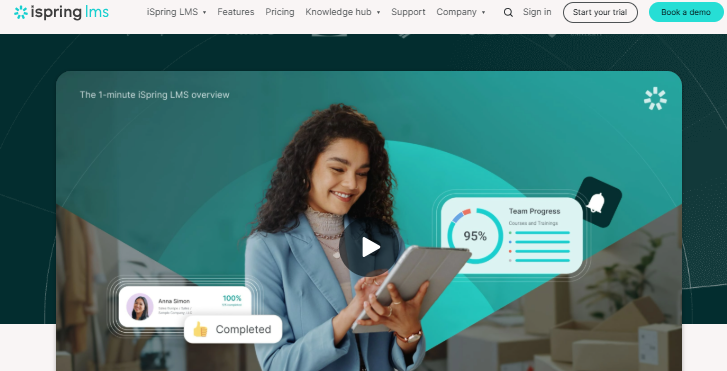
Best for: Small businesses that need detailed reporting and structured performance tracking tied directly to training outcomes.
Pricing: From $3.97 per user per month.
Key strengths:
- Transparent scoring rubric for structured evaluation of training outcomes
- Strong SCORM and xAPI (Tin Can) compatibility for importing third-party courses
- Detailed progress dashboards for managers to monitor training completion rates
- 30-day free trial available before purchase
Limitation: The iSpring content authoring suite is a separate product. The best value comes when you use both together, which adds to the overall cost.
Best suited for: Small businesses in regulated industries like healthcare, finance, and food service that need audit-ready training records.
6. LearnUpon: Best for Multi-Department Training Management
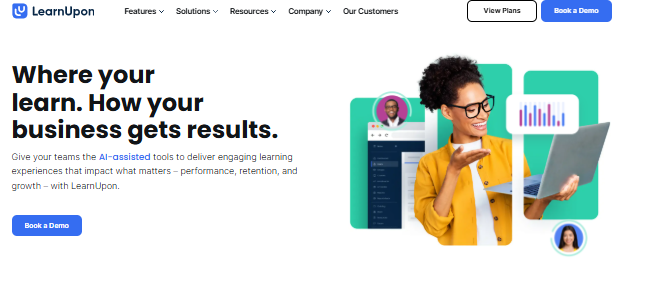
Best for: Growing small businesses managing training across multiple teams or business units from one central platform.
Pricing: Available upon request and designed for SMB to mid-market teams.
Key strengths:
- Multi-portal functionality lets you create separate training environments for different teams or external partners
- Strong customer support reputation with dedicated onboarding assistance
- Clean, intuitive user interface that minimizes the admin learning curve
- Good blended learning support combining online and in-person training sessions
Limitation: Pricing is not transparent upfront, which adds friction to the buying process for budget-conscious small business owners.
Best suited for: Small businesses with distinct training needs across multiple departments or that work regularly with external contractors.
7. SkyPrep: Best for User Experience and Customer Support
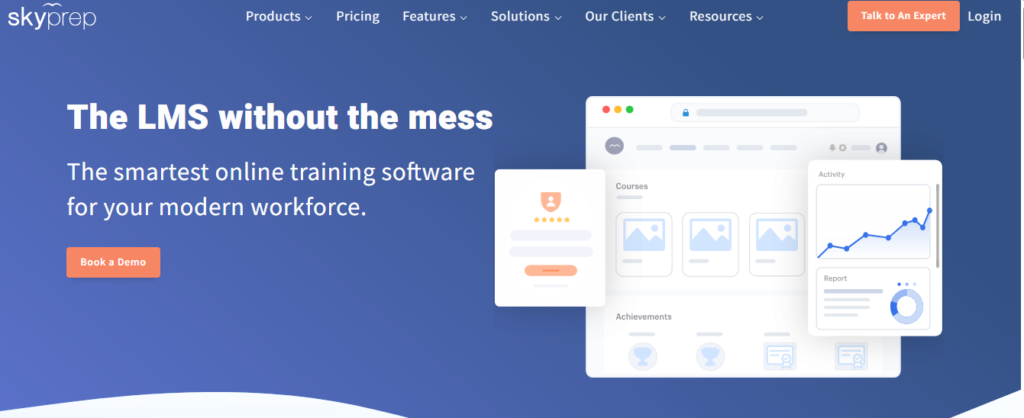
Best for: Small businesses that prioritize a smooth learner experience and want strong vendor support during setup and ongoing use.
Pricing: Available upon request with a free 14-day trial included.
Key strengths:
- Consistently rated highly for ease of use by both admins and learners
- Excellent customer support response times, which is especially valuable for SMBs without dedicated IT teams
- Clean interface with simple course builder tools that anyone can use
- Good compliance training workflows with automated certificate generation built in
Limitation: Less market visibility than TalentLMS or 360Learning; smaller third-party content library for pre-built courses.
Best suited for: Small businesses purchasing their first LMS who want a guided, well-supported setup experience.
8. ProProfs Training Maker: Best for Budget-Conscious Compliance Training
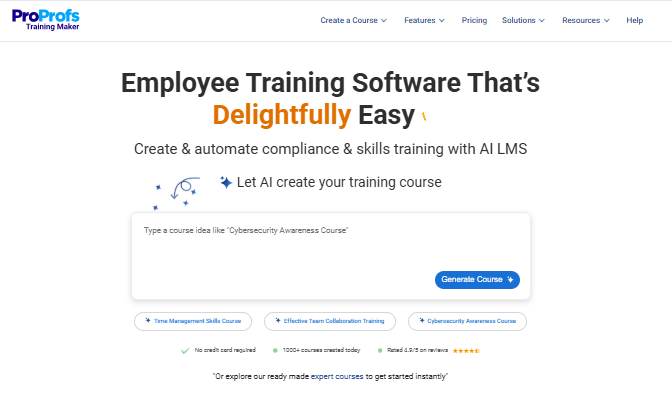
Best for: Very small businesses and micro teams that need affordable, ready-to-use compliance and onboarding training.
Pricing: Free for up to 10 learners; low per-learner pricing on paid plans.
Key strengths:
- Free plan available with one of the most generous free tiers in the market
- Large pre-built course library covering topics like OSHA, workplace safety, and HR compliance
- AI-powered content authoring tools for fast course creation without writing from scratch
- Built-in quizzes and certificates that meet basic compliance documentation needs
Limitation: Interface feels dated compared to newer platforms; limited customization options on lower-tier plans.
Best suited for: Micro teams of 1 to 15 employees and businesses needing compliance training on a minimal budget.
9. Easy LMS: Best for Simple, No-Frills Online Training
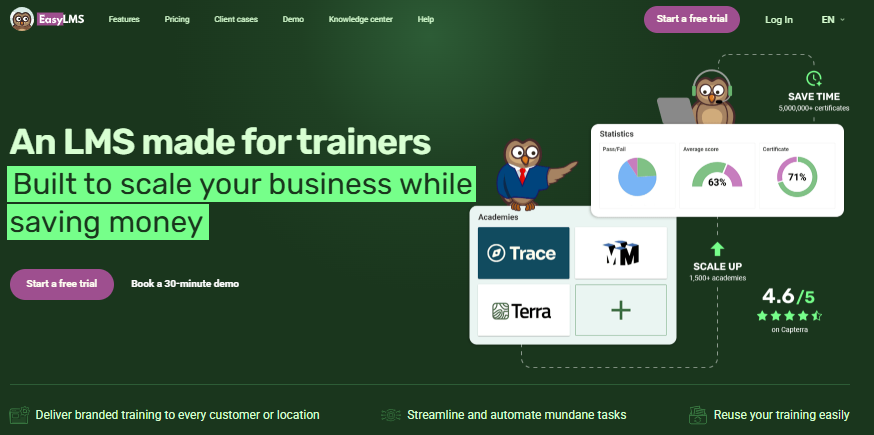
Best for: Small businesses that want straightforward online training delivery without complex features or a steep learning curve.
Pricing: Affordable tiered pricing with a free trial available.
Key strengths:
- Very easy to set up and use even for non-technical business owners
- Good quiz and assessment tools built directly into the platform
- Clean learner experience with minimal distraction
- Works well for onboarding, product knowledge training, and basic skills development
Limitation: Lacks advanced features like AI learning paths, detailed analytics, or gamification found in higher-tier platforms.
Best suited for: Small businesses running straightforward training programs who want simplicity above all else.
How We Evaluated These LMS Platforms
Every platform in this list was evaluated against six core criteria:
- Ease of setup: Can a non-technical user configure and launch it without IT help?
- Pricing value: Is the price fair relative to the features included at the SMB tier?
- Course creation tools: How easy is it to build and update training content?
- Mobile access: Does the platform work well on phones and tablets?
- Reporting and tracking: Can managers easily see who completed what?
- Scalability: Will the platform still fit your needs when your team doubles in size?
Platforms were not ranked based on advertising relationships. CleverLMS is the website’s own product and is evaluated under the same criteria as every other tool on this list.
What Features Does a Small Business LMS Need?
A small business LMS needs five core features: easy course creation without a developer, employee progress tracking, mobile-friendly access, affordable per-user pricing, and basic reporting. Advanced features like AI content suggestions, compliance tracking, and integrations with HR tools become valuable as your team scales past 20 to 30 employees.
Essential Features for All Team Sizes
| Feature | Why It Matters |
|---|---|
| Drag-and-drop course builder | Creates training content without a developer or instructional designer |
| Employee progress tracking | Shows managers who completed training and who did not |
| Mobile learning app | Lets employees train on phones, especially remote and deskless workers |
| Basic reporting dashboard | Confirms compliance and training completion for audits |
| SCORM compatibility | Lets you import third-party or previously built training content |
Advanced Features Worth Paying For
Once your team grows past 20 to 30 employees, these features start delivering real value:
- AI-powered learning paths that automatically recommend courses based on employee role or progress
- Compliance tracking with automated certificate generation for regulated industries
- Gamification tools like points, badges, and leaderboards that improve training completion rates
- SSO (Single Sign-On) integration that connects training login to your existing smart HR software solutions and employee management tools.
- Microlearning module builder for short, focused lessons that fit into busy workdays
The global LMS market is projected to grow from $28.58 billion in 2025 to $123.78 billion by 2033, driven largely by demand for AI-powered personalized learning and mobile-first delivery. Small businesses are a key growth driver, with the SMB LMS segment alone reaching $14.58 billion in 2025.
How Much Does an LMS Cost for a Small Business?
LMS pricing for small businesses ranges from $0 on free plans with limited users to around $239 per month for premium AI-powered platforms covering 80 users. Most small teams of 10 to 50 employees will find reliable options in the $29 to $119 per month range. Per-user pricing models scale better for growing teams, while flat-rate plans suit businesses with a stable headcount.
LMS Pricing Comparison Table
| Platform | Starting Price | Pricing Model | Free Plan or Trial |
|---|---|---|---|
| CleverLMS | From $1/user/month | Per user | Free trial available |
| TalentLMS | From $119/month | Flat rate by user tier | Free plan up to 5 users |
| Connecteam | From $29/month | Flat rate for 30 users | Free plan available |
| 360Learning | From $8/user/month | Per user | 14-day free trial |
| iSpring Learn | From $3.97/user/month | Per user | 30-day free trial |
| ProProfs | Free for up to 10 | Per learner | Free plan available |
| SkyPrep | Pricing on request | Custom | 14-day free trial |
What Hidden Costs Should You Watch For?
The listed price is only part of the real cost. Small business owners often forget these:
- Content creation time: Building quality training courses takes hours even with the best tools
- Admin overhead: Someone needs to manage users, update courses, and pull reports regularly
- Migration effort: Moving existing PDFs, videos, and slide decks into a new platform takes real work
- Integration setup: Connecting your LMS to Slack, Microsoft Teams, or your HR system may need outside help
Always factor these in when comparing online course platforms and learning tools before making a final decision.
Which LMS Is Right for Your Team Size?
No article can give you one single “best LMS” answer without knowing how many people you are training. Team size is the most important factor in choosing the right platform.
Micro Teams (1 to 10 Employees)
Your priorities: Zero setup complexity, free or near-free pricing, basic course delivery.
At this size, you do not need advanced analytics, AI learning paths, or multi-department portals. You need something that works today without a long configuration process.
Best fits: ProProfs Training Maker (free plan), Easy LMS, and Connecteam (free plan for up to 10 users).
Look for platforms with free plans and simple interfaces. Avoid paying for features like compliance automation or SSO that you will not use at this stage.
Small Teams (11 to 50 Employees)
Your priorities: Scalable pricing, automated onboarding, reliable reporting, and mobile access.
This is the sweet spot for most SMB LMS buyers. You now have enough people that manual training coordination is eating real time. You need onboarding automation, manager dashboards, and the ability to track training completion across your team.
Best fits: CleverLMS, TalentLMS, 360Learning, and iSpring Learn.
At this tier, per-user pricing like CleverLMS at $1 to $5 per user per month often delivers better value than flat-rate pricing as your team shifts in size.
Growing SMBs (51 to 200 Employees)
Your priorities: Compliance tracking, custom learning paths, HR system integrations, and multi-team management.
At this scale, training has real legal and operational weight. You need compliance documentation for audits, automated certification renewal reminders, and the ability to assign different learning paths to different roles or departments.
Best fits: CleverLMS, LearnUpon, 360Learning, Docebo, and Absorb LMS.
Avoid tools built primarily for micro teams at this stage. You will quickly outgrow their reporting and user management capabilities.
What Are the Best Use Cases for an LMS in a Small Business?
The most common LMS use cases for small businesses are employee onboarding, compliance and safety training, product knowledge training, and skills development. For regulated industries like food service, healthcare, and retail, compliance training with automated certification tracking is often the primary reason to invest in an LMS.
Employee Onboarding
Onboarding is the most common LMS use case for small businesses. A structured onboarding program delivered through an online training platform ensures every new hire gets the same information, in the same order, at their own pace. Managers spend less time repeating the same orientation sessions over and over.
Best LMS for this use case: CleverLMS, TalentLMS, and Connecteam.
Compliance Training
Small businesses in food service, healthcare, retail, and construction face real compliance training requirements. OSHA safety training, food safety certification, HIPAA awareness, and PCI-DSS training all need documentation that proves completion. An LMS with automated compliance tracking and certificate generation covers this automatically.
Best LMS for this use case: iSpring Learn, ProProfs, and Connecteam.
Product and Service Knowledge Training
Customer-facing teams perform better when they deeply understand what they are selling. An LMS lets sales and service teams complete product knowledge training at their own pace and revisit materials before customer calls or store visits.
Best LMS for this use case: 360Learning, CleverLMS, and TalentLMS.
Remote and Deskless Worker Training
Not every employee sits at a desk. Retail staff, delivery drivers, field technicians, and restaurant workers need mobile learning tools that work on their phones. Mobile-first LMS platforms make this possible without printing manuals or scheduling group sessions.
Best LMS for this use case: Connecteam, CleverLMS, and SkyPrep.
How to Choose the Right LMS for Your Small Busines
Finding the right online training platform comes down to a clear five-step process. Follow this before committing to any vendor.
Step 1: Define your training goals.
What do you need the LMS to do first? Onboarding new hires, running compliance training, or upskilling existing employees? Your primary use case eliminates most of the platforms on the market right away.
Step 2: Identify your user groups.
Who will use the LMS daily? Desk-based employees, deskless workers, remote contractors, or a mix of all three? Mobile access requirements depend entirely on who is training and where they work.
Step 3: Set a real budget.
Include platform cost, content creation time, and admin overhead in your total cost calculation. A $29 per month platform that requires 10 hours of admin time per month may cost more in practice than a $99 platform that automates those same tasks.
Step 4: Evaluate three platforms against your criteria.
Do not evaluate 12 platforms at once. Pick three that match your team size, budget, and primary use case. Compare them side by side on your six most important features.
Step 5: Test with a free trial before committing.
Every platform on this list offers either a free plan or a free trial. Use it. Involve one manager and two or three real employees in the testing process. Their feedback matters more than any feature checklist.
Research consistently shows that 76% of employees are more likely to stay at a company that invests in learning and development. For small businesses where losing one experienced employee can cost thousands of dollars to replace, the retention value of a structured training program is significant.
Three questions to ask any LMS vendor before signing up:
- What is included in your lowest pricing tier, and what gets locked behind higher plans?
- How long does a typical small business take to go live after purchasing?
- What support is available after onboarding: email only, or live chat and phone?
Frequently Asked Questions
How long does it take to set up an LMS for a small business?
Most modern LMS platforms designed for small businesses can be set up and ready to use within one to three days. Platforms like TalentLMS and Connecteam are known for same-day setup. CleverLMS offers guided onboarding to help teams go live quickly without any technical expertise required. The more custom your branding and training content, the longer initial configuration will take.
Can employees train on their phones using a small business LMS?
Yes. Most leading small business LMS platforms include a dedicated mobile app or a fully mobile-responsive interface. This is especially important for businesses with field teams, retail staff, or remote workers. Connecteam and CleverLMS are both built with mobile-first access as a core feature, not as an optional add-on.
What happens when a free LMS plan runs out of capacity?
Free plans for platforms like TalentLMS (5 users) and ProProfs (10 learners) become restrictive quickly as your team grows. When you exceed the user limit or need features like reporting, compliance tracking, or integrations, you must upgrade to a paid plan. Plan your budget for this transition from the start rather than being caught off guard later.
Do small businesses need a SCORM-compatible LMS?
Not always, but it is worth having. SCORM compatibility means you can import training content built in third-party tools like iSpring Suite, Articulate, or Adobe Captivate into your LMS without rebuilding it from scratch. If you already have existing training materials in SCORM format, confirm your chosen platform supports it before buying.
Is a cloud-based LMS better than an on-premise LMS for small businesses?
For most small businesses, a cloud-based LMS is the clear choice. It requires no server setup, no IT maintenance, and updates automatically in the background. On-premise LMS solutions give more data control but require technical infrastructure that most small businesses simply do not have. The only exception is highly regulated industries with strict data residency requirements.
How do I know if my employees are actually completing their training?
A good LMS provides a reporting dashboard showing completion rates, quiz scores, time spent on each module, and certificate status for each employee. Managers can set up automatic reminder emails for incomplete training assignments. This is one of the most important features to verify during your free trial period, as reporting quality varies significantly across platforms.
What is the difference between an LMS and an employee training app?
An LMS is a full learning management system that covers course creation, delivery, tracking, and reporting in one place. An employee training app usually refers to a lighter mobile tool focused on delivering pre-made content quickly. Some platforms like Connecteam sit between both categories. For serious, ongoing employee training programs, an LMS gives you more control, better reporting, and greater long-term scalability than a basic training app.